






Live more, Bank less
World's best digital bank,
now in your neighborhood

Asia's
Safest Bank

World's
Best Bank

Presence across
350+ cities
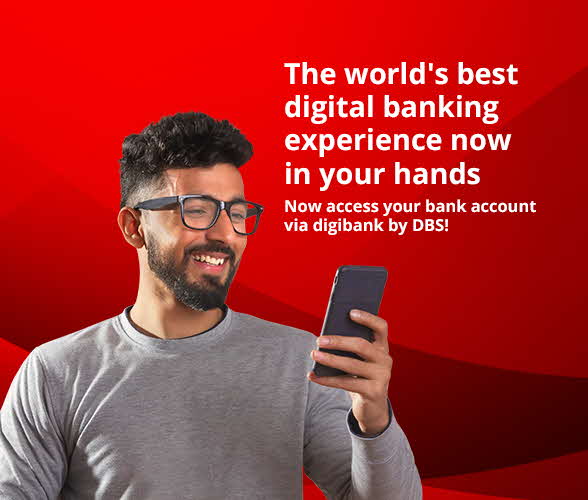
World’s Best Digital Bank, now in your city. Get ready to enjoy an experience like never before with DBS!
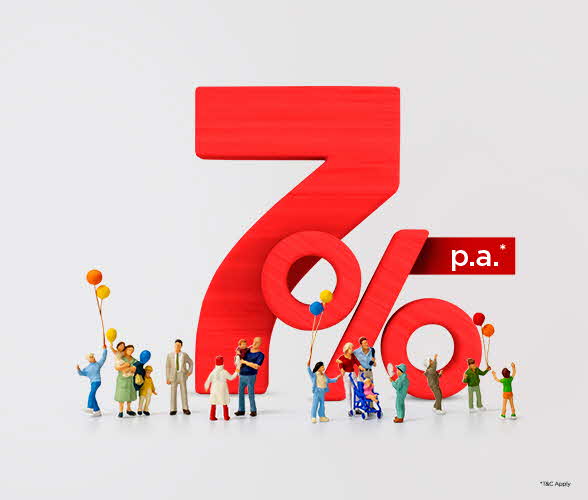
Now enjoy interest rates upto 7% p.a.* on your savings account. Open an account
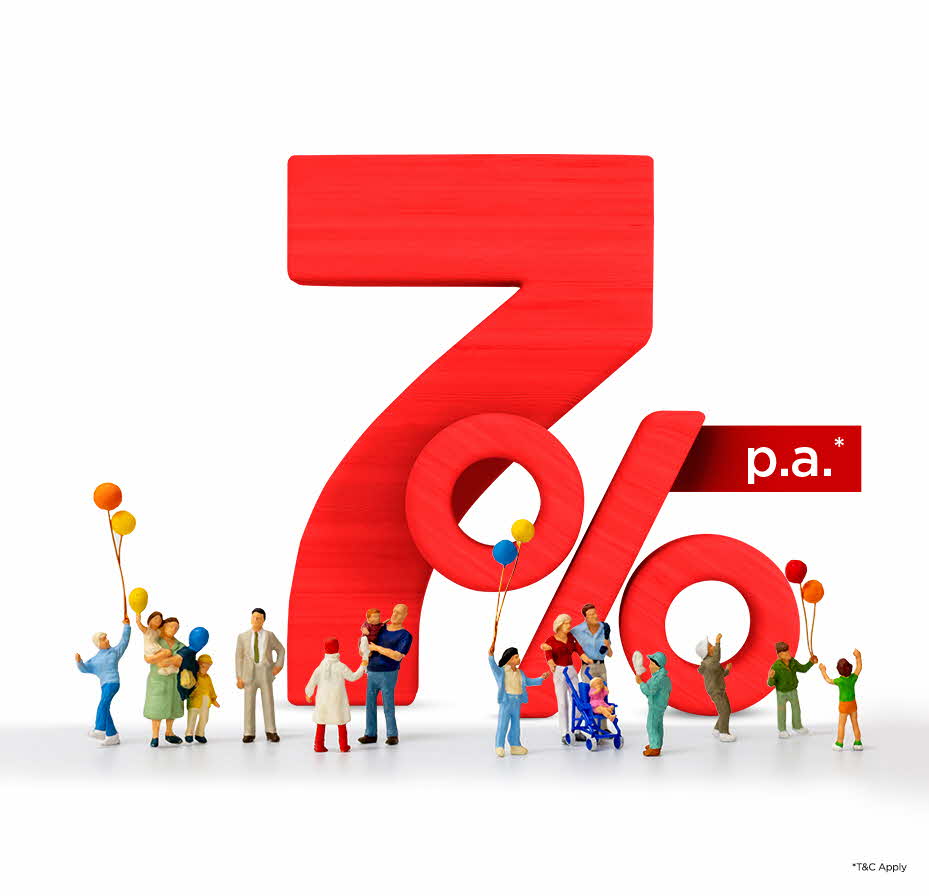
Savings Account interest rates can’t get
BIGGER than this
Now enjoy interest rates upto 7% p.a.* on your savings account

Amazon Pay Gift Card worth up to Rs 250

Get 5X benefits through exclusive offers, memberships, and vouchers.

Times Prime Lite Membership with benefits worth Rs 25,000*
Get annual savings up to Rs 25,000 with exclusive offers on debit card.
Experience a Smarter
Relationship
With Money

AI Powered

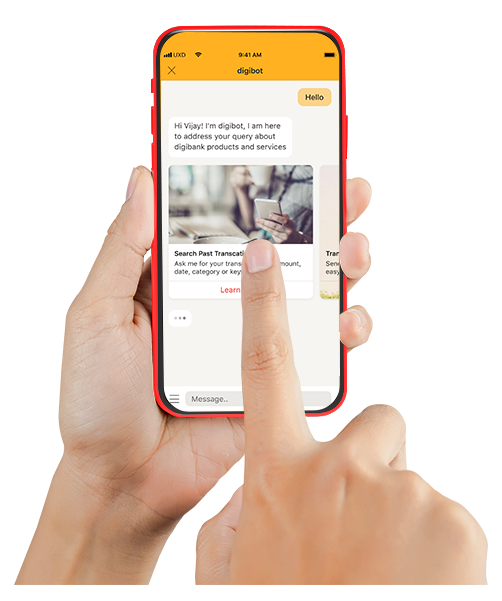
digibot – your 24*7 Banking Buddy
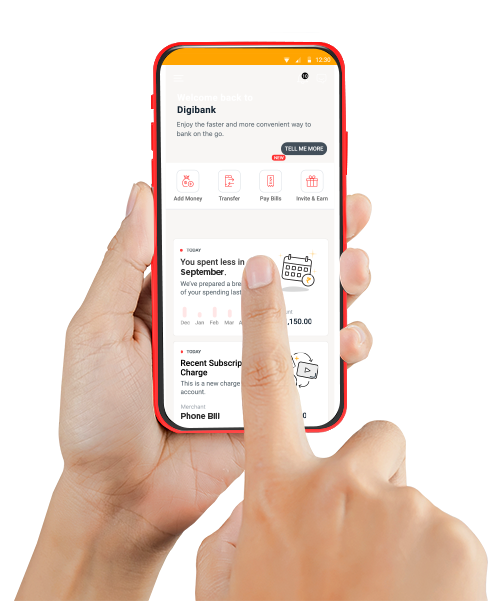
It’s safe, it’s smart, it’s savvy, it’s SO MUCH MORE. digibank moves and grows with you, can be moulded according to your needs and offers you round-the-clock intelligent support.
Unclutter with Banking's
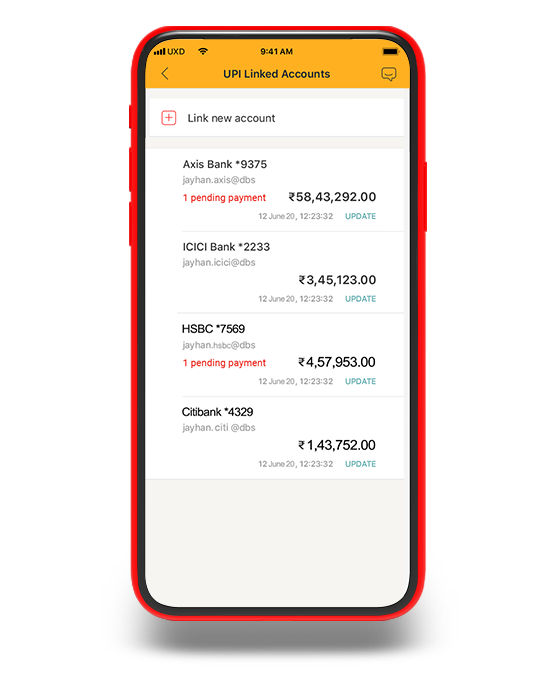
Universal Remote

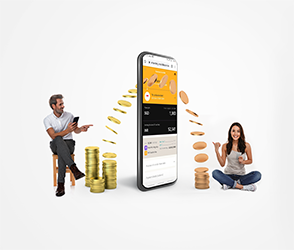
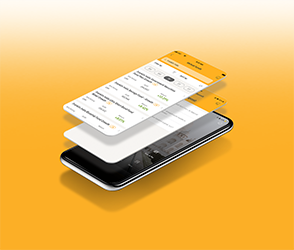
Scrambling to keep track of multiple accounts and their passwords and OTPs is so last year. Bring all your accounts under one secure roof with a unified platform that acts as your own personal universal remote for banking.

Interest rate so good,
it will always be on your mind!

7.50%* p.a. interest on Fixed Deposits
Why should only the finance nerds have all the fun and high returns? All you have to do is invest your money and go do your thing, while DBS takes care of the rest.
What’s up DBS!








A Debit Card That's Always
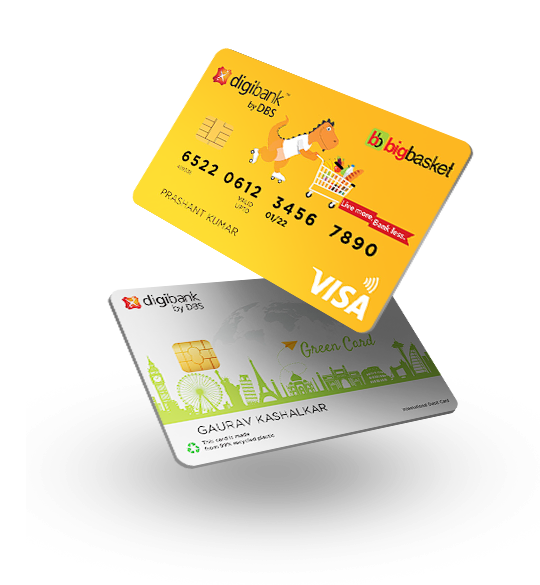
One Step Ahead of You

One Tap International Mode

Temporary
Card Block

Smart Spending
Delights
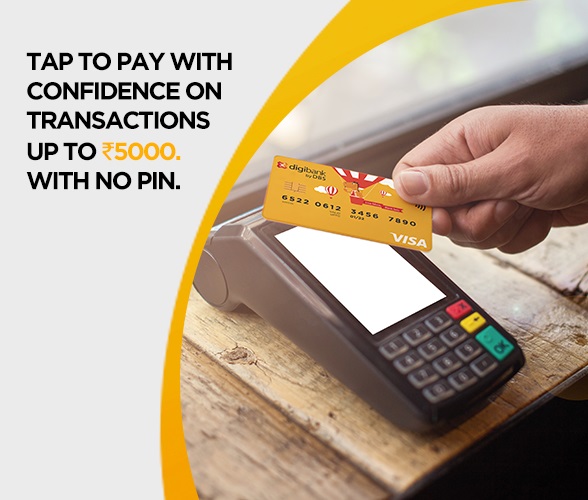
Your present and your future is taken care of with our debit card’s smart features that are just a tap away. Trot the globe like a pro, handle those “Dude, where’s my card?” situations without losing your mind. Spoil yourself silly with carefully curated delights you can actually use.